
What the Parrot Totem changes
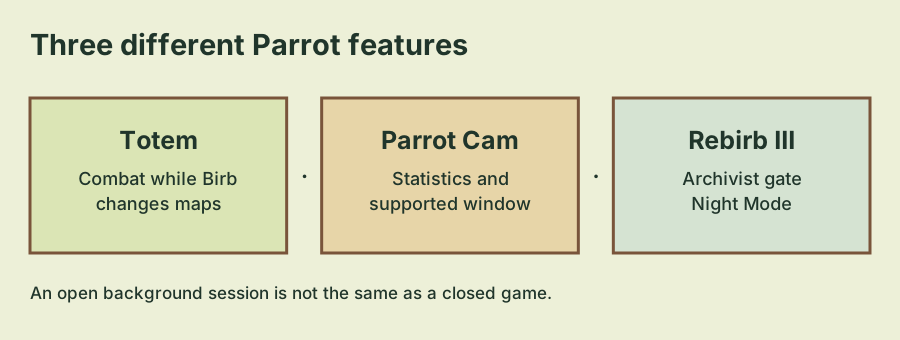
The September 26 content update added the Parrot Totem so Parrot can keep fighting while Birb explores another map. The important distinction is a different in-game map. This announcement does not promise combat after you close the game, disconnect, or leave it running for an unlimited period without supervision.
If your immediate goal is to keep a companion active while you attend to another activity, inspect the Totem's current availability and explanation in your save. The update establishes the feature's purpose, but it does not provide a complete unlock price or a universal map-by-map operating rule.
Separate three companion features
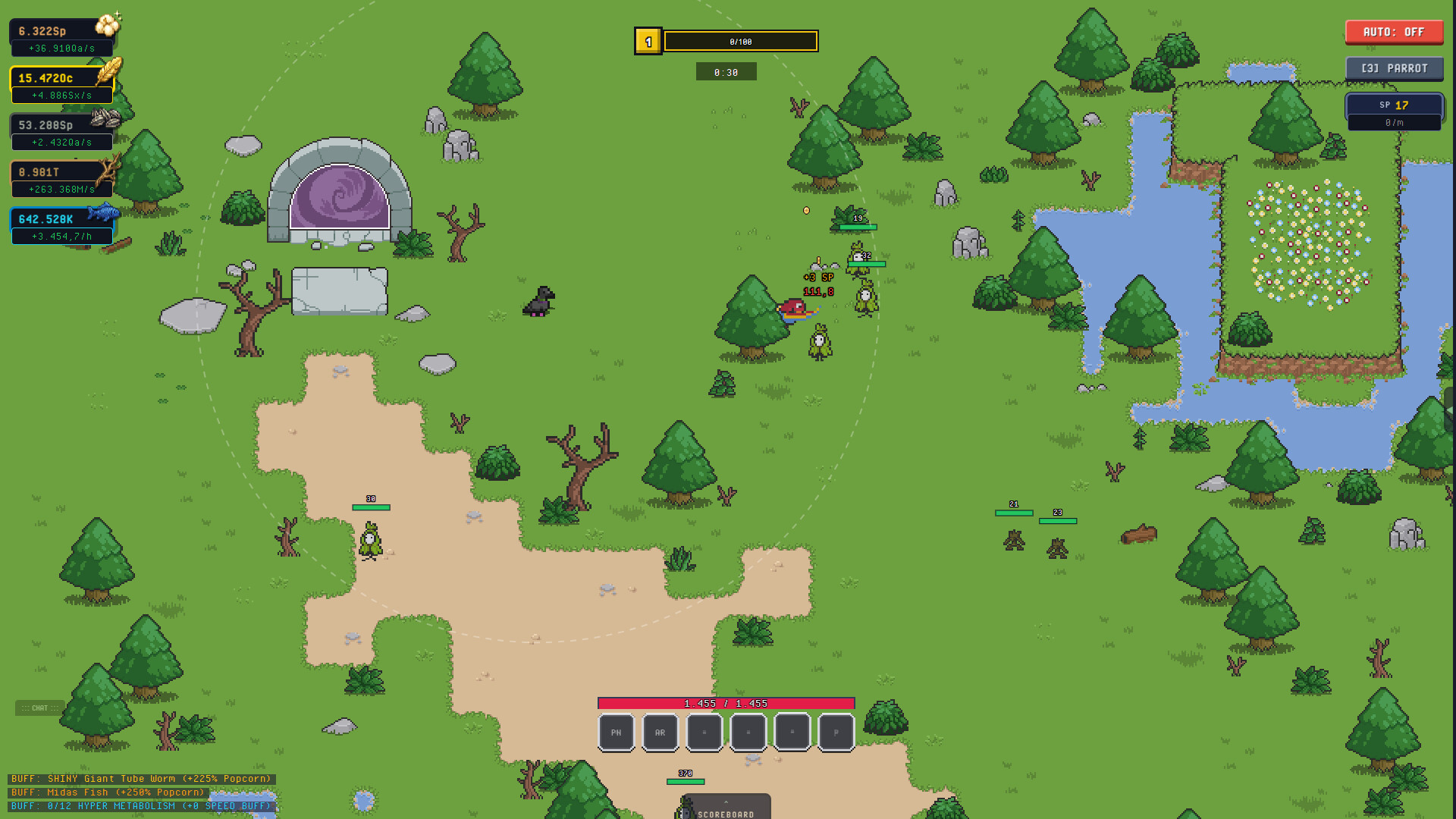
| Feature | Announced purpose | Separate check |
|---|---|---|
| Parrot Totem | Continue fighting while Birb explores another map | Current Totem availability and companion activity |
| Parrot Cam | Show combat statistics and a floating window on supported browsers | Whether your browser supports that window |
| Parrot Rebirb III | Unlock Night Mode and double Skill Point gains again | Defeating the Archivist requirement |
These features were discussed in the same content update, but they are not interchangeable. Seeing Night Mode is not proof that a Totem is active. Seeing a floating window is not proof that a new Rebirb was completed. Check the named system that matches your actual goal.
For the third Rebirb, follow the Parrot III guide. It covers the Archivist requirement and keeps it separate from the Birb's Evolution VI story. The Totem solves an activity-management problem rather than replacing those progression gates.
Make an observable map-change check
Start with a companion activity you can identify in the current game. Read the Totem's description and use the relevant controls shown in your save. If Parrot Cam is available, inspect its combat statistics before moving Birb to the other map you want to visit.
After changing maps, compare the activity again. This is a useful way to confirm your own setup without assuming that a quiet screen means combat has stopped or that a moving animation proves a particular reward. Inspect named statistics and results, not just the appearance of the map.
The sequence is deliberately conditional: the exact Totem control, availability and cost should come from the current interface. This guide does not invent a button location or offer a click-by-click late-game walkthrough that has not been replayed on the present build.
Use Parrot Cam as a view
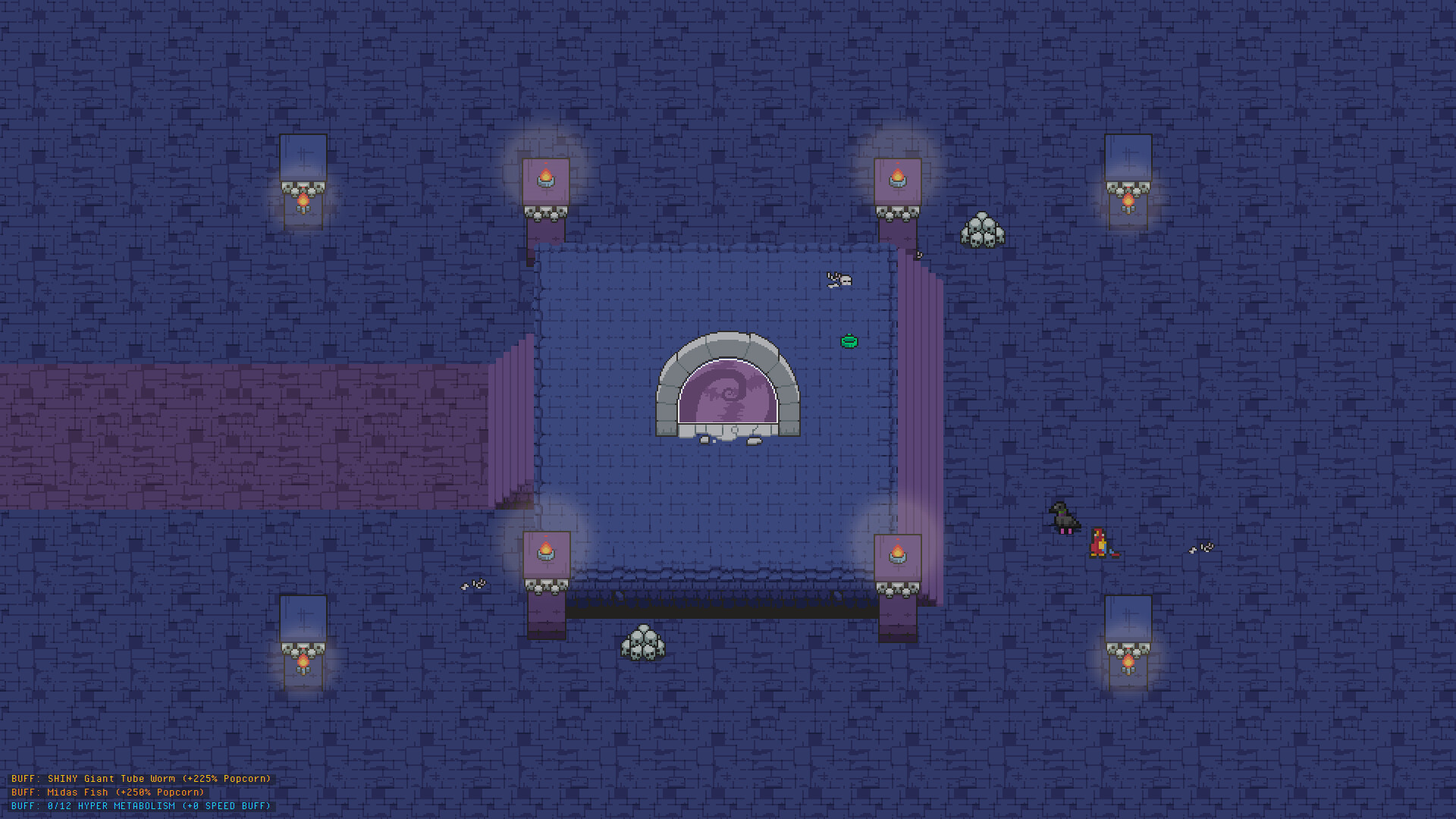
The developer describes Parrot Cam as a combat-statistics view with a floating window on supported browsers. If the floating window is unavailable, first consider browser support. Its absence alone does not establish that the underlying Totem feature is broken.
Use the statistics to understand the activity you are watching. Avoid turning a short observation into a guaranteed earnings rate, or assuming that the view itself grants a damage or Skill Point bonus. The announced function is visibility into combat.
If your browser or game presents a permission request, read what it is requesting before proceeding. You do not need to provide a save file, game password or account access to this guide site. The feature belongs to the official game and your browser's supported window behavior.
Background play is different from being offline
The October 2 update improved consistency of Expedition combat and Parrot regeneration while the game runs in the background. That is a useful compatibility change for an open running session. It is not a statement that every browser keeps the game advancing after the tab is closed.
Keep three situations separate: Birb on another in-game map, the game running in a background tab, and the game being closed. A feature intended for one situation should not automatically be promised in the others. Browser resource-saving behavior and the current game state can still affect what you observe.
When checking the feature, make one change at a time. First verify the map change while the game is open; then, if relevant, inspect how the open session behaves in your browser's background. Do not mix that check with a save import or a reset.
A useful troubleshooting order
- Confirm you are checking the Parrot Totem rather than Night Mode or Evolution.
- Read the current Totem's availability, condition and description.
- Identify a visible combat statistic before changing maps.
- Check the same activity after the map change.
- If using a floating Cam window, check browser support separately.
- Keep closed-game assumptions out of the open-session test.
If the problem is missing progress after moving platforms, use the Steam save guide before changing more companion settings. If the problem is access to Night Mode, return to the Archivist requirement. Matching the troubleshooting step to the named feature is more useful than treating all background combat as one switch.
Developer sources
Reviewed October 4, 2026. The dated updates linked below explain the requirements covered here.
- September 26, 2026 — content update — Developer announcement: Evolution VI, Nest Tier IV, Parrot Rebirb III, the Sawmill and expanded Mine progression.
- October 2, 2026 — Steam release — Developer announcement: web-to-Steam transfer, the Geode Helmet, save-conflict closing and Carpentry pricing changes.